

Why TV Parent exists

A smart TV in a child’s room is an open door.

No controls. No idea what they are watching. Apps, YouTube, the games console on HDMI: it is all one press of the remote away.

Good evening

Live TV
YouTube
Netflix
Games console

Apps · Inputs · HDMI 1

The open portal

Most smart TVs give a child everything, all the time. As a parent, you only find out afterwards, if at all.

  • Apps

    Every streaming app on the TV, open to whoever holds the remote.

  • YouTube

    Endless videos, one after another, with nobody choosing what comes next.

  • The games console

    Plugged into HDMI and switched on whenever they like, for as long as they like.

  • No idea what is on

    Unless you are in the room, you cannot see what they are watching or for how long.

So I built TV Parent

I’m a dad of two boys, aged 8 and 11.

I built TV Parent because I wanted a safe way for them to use the TV, one that gives me peace of mind.

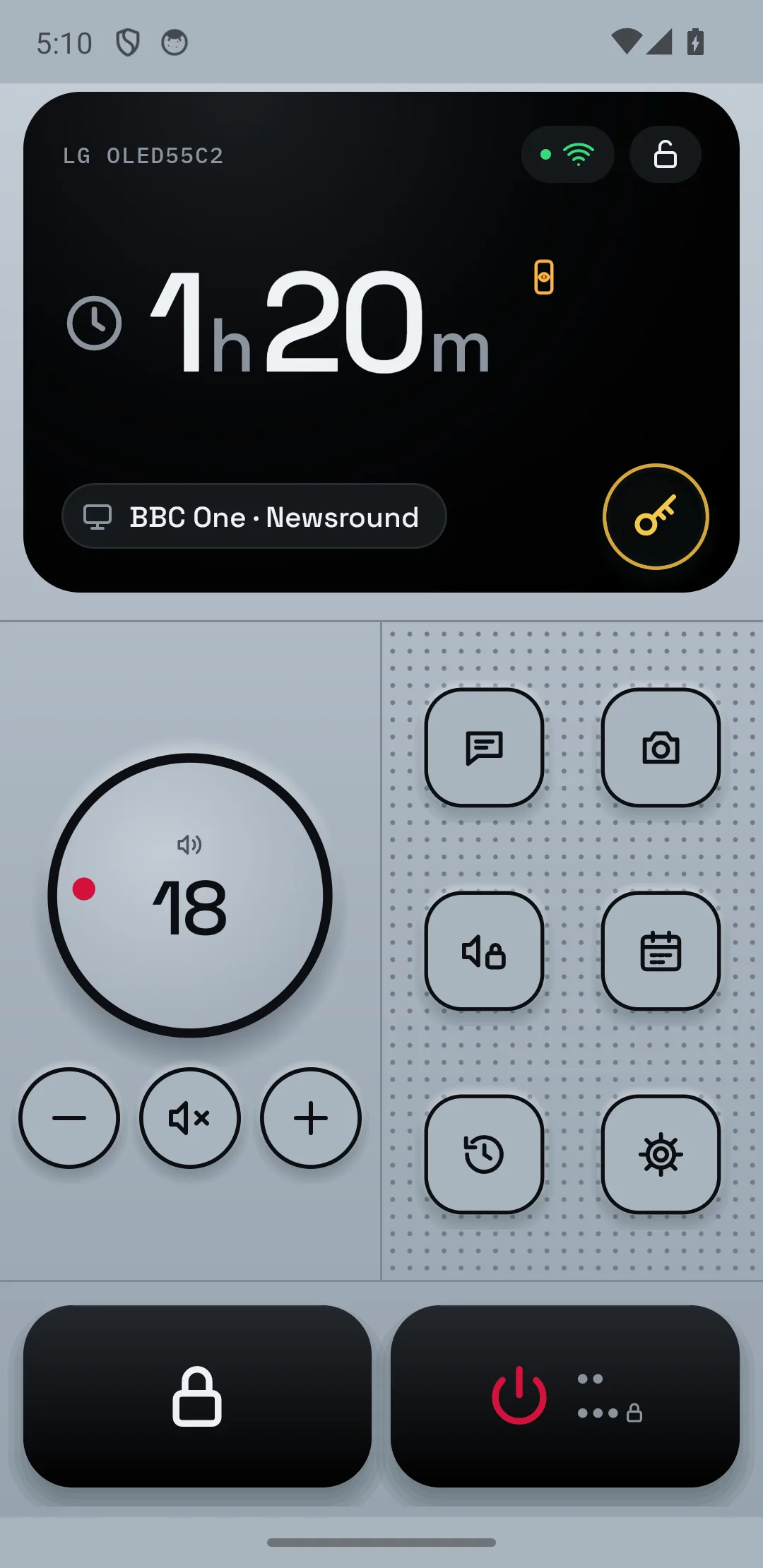
Now I’m in control, from my phone. There’s no hacking and nothing to install on the TV: the app talks to it over your home Wi-Fi.

TV Parent home screen on a phone

What to watch out for

Doctors, researchers and other parents keep raising the same four worries about a TV in a child's room. Here is what they say, and how TV Parent helps.

1/4 · Homework

Homework vs the remote

Be careful of

Researchers found a bedroom TV pushes out reading, sleep and homework, and school results slip over time. A TV on in the background splits their attention too.

How TV Parent helps

Lock the TV with a message on the screen, such as "Homework time". When the work is done, unlock it from your phone.

Sources: Pediatrics journal; Children's Commissioner for England (2023, 2025); American Academy of Pediatrics; Royal College of Paediatrics and Child Health.

They ask. You decide.

Set an app or the games console to “ask first”. When they open it, the TV stops and tells them it is asking you. Your phone gets the alert, and you answer.

On the TV: “Asking your parent”, with a countdown.

18:05

Tuesday

Your phone gets the alert.

On your phone: slide to say yes for a set time, or no.

How it plays out

1/5 They pick an app

Good evening

Live TV
YouTube
Netflix
Games console

Apps · Inputs · HDMI 1

18:05

Tuesday

Peace of mind, from your phone

You stay in control without standing over them. They get a TV they can use, and you know what is on it.

Try the live demosComing soon to Google Play